Check the details
Read names, dates and wording together. A final review brings the story and visual information into the same approval.
A considered announcement brings your names, words and photographs together for the people you choose. It should feel connected to your celebration, not borrowed from someone else’s template.
Let’s begin with your story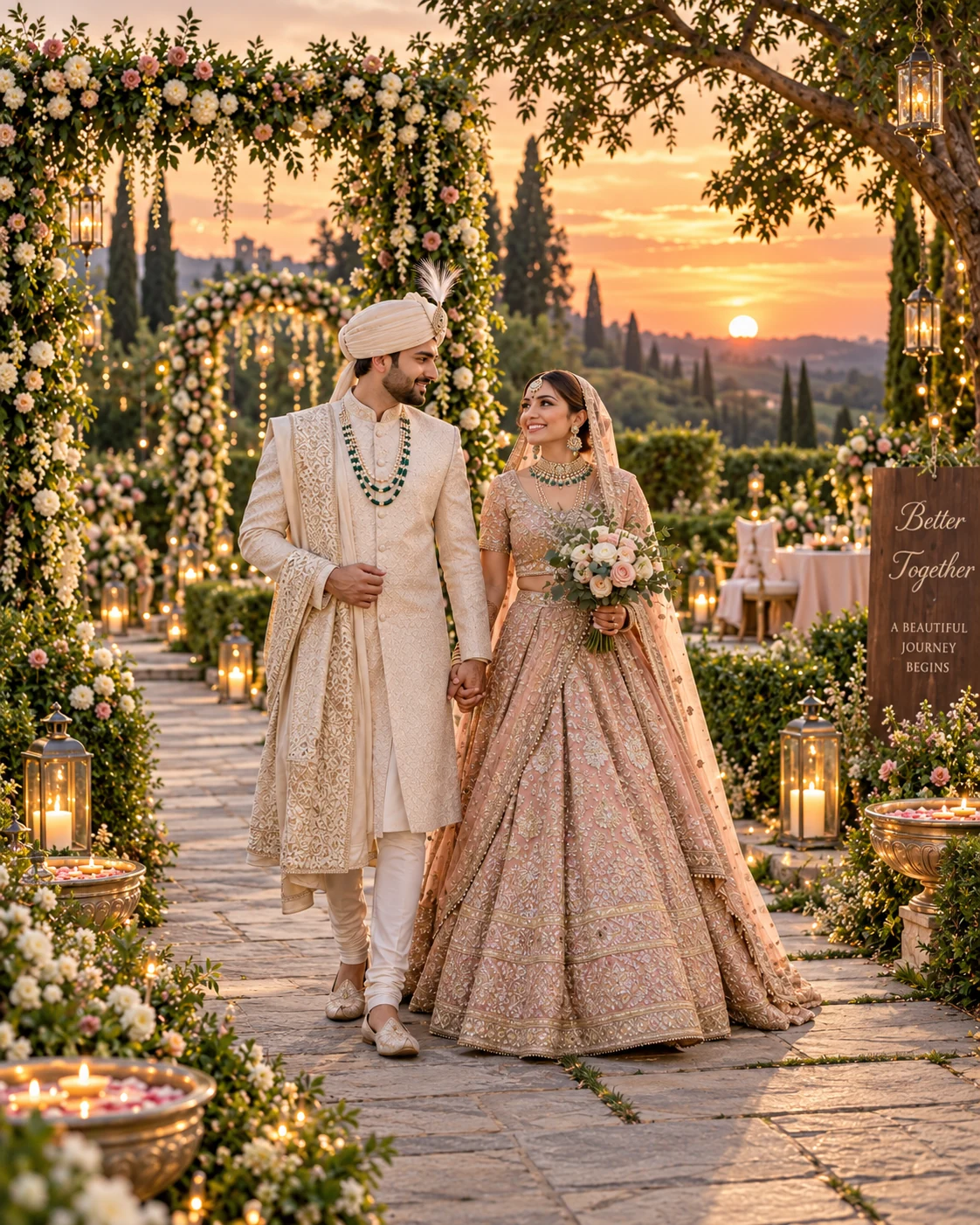
An announcement is often someone’s first glimpse of your celebration. Its words and proportions should feel considered on the screen where it appears.
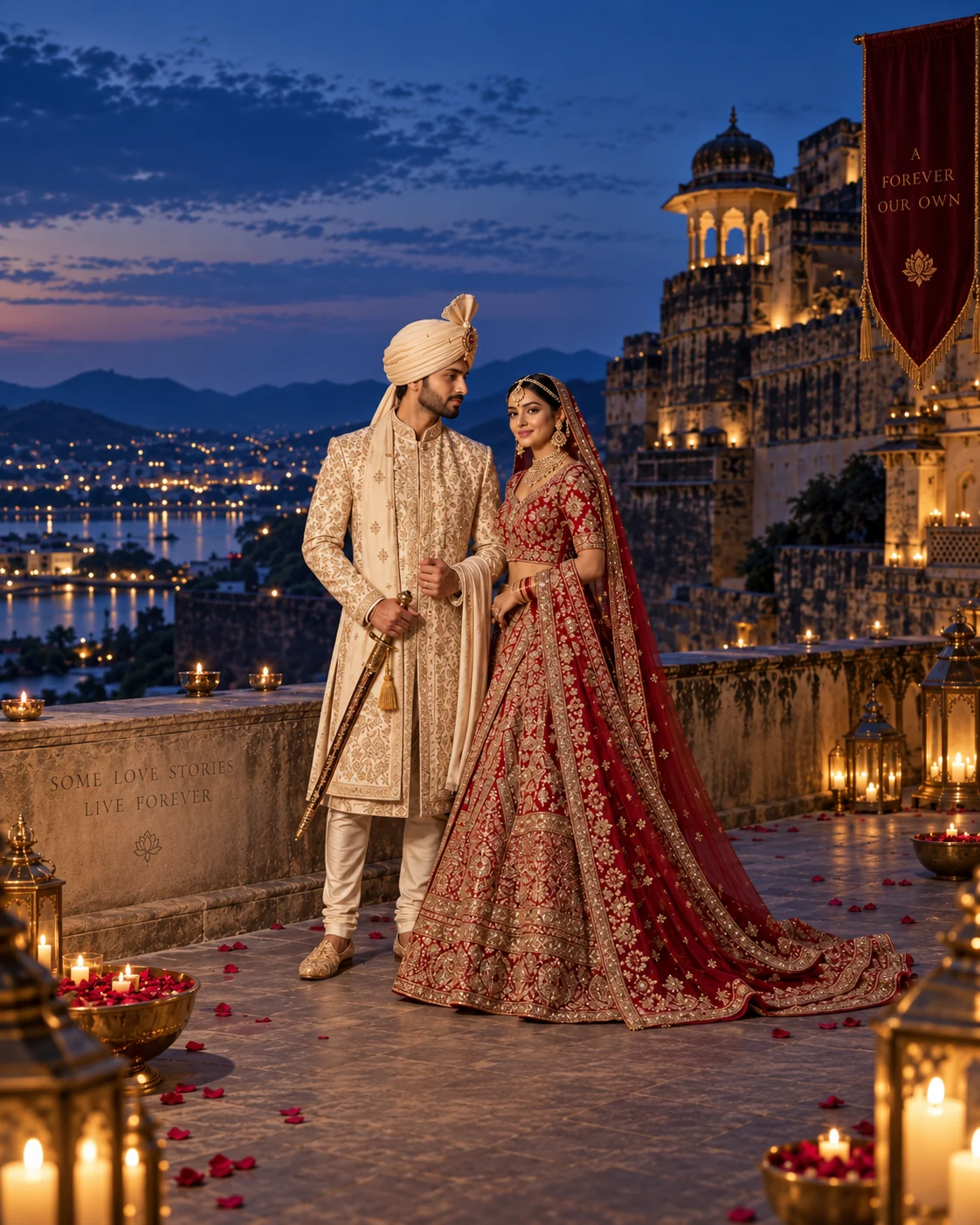
A vertical composition suits a story viewed on a phone. It gives the photograph presence while keeping names and the essential message easy to read.
The final artwork is composed for the agreed format using your approved words and photographs.
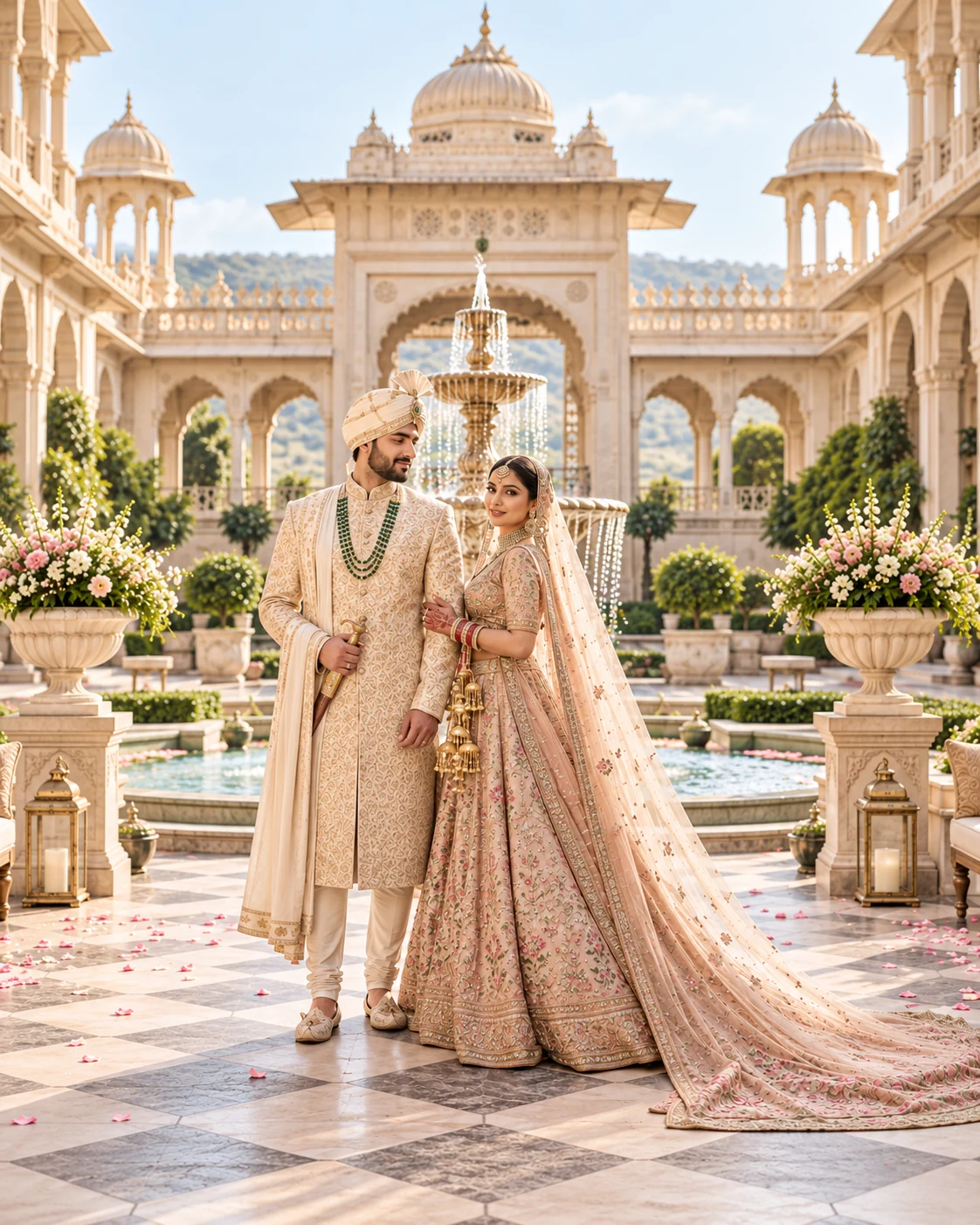
A square composition creates a compact introduction. A strong central photograph and a short message help the design stay clear as it is shared.
The final artwork is composed for the agreed format using your approved words and photographs.
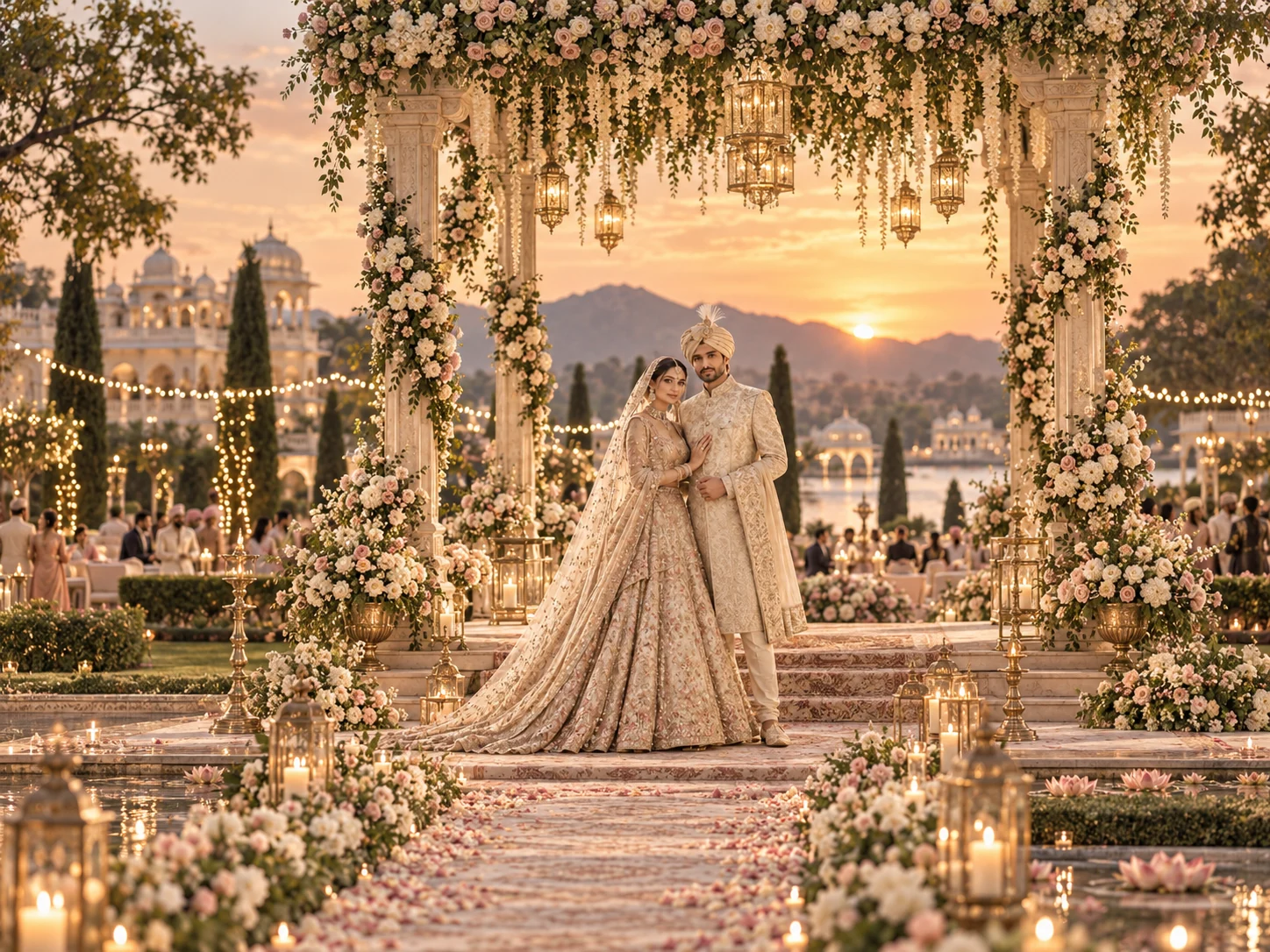
A wide composition gives more room to the place and atmosphere. It can suit an email or an opening image where the story has space to unfold.
The final artwork is composed for the agreed format using your approved words and photographs.
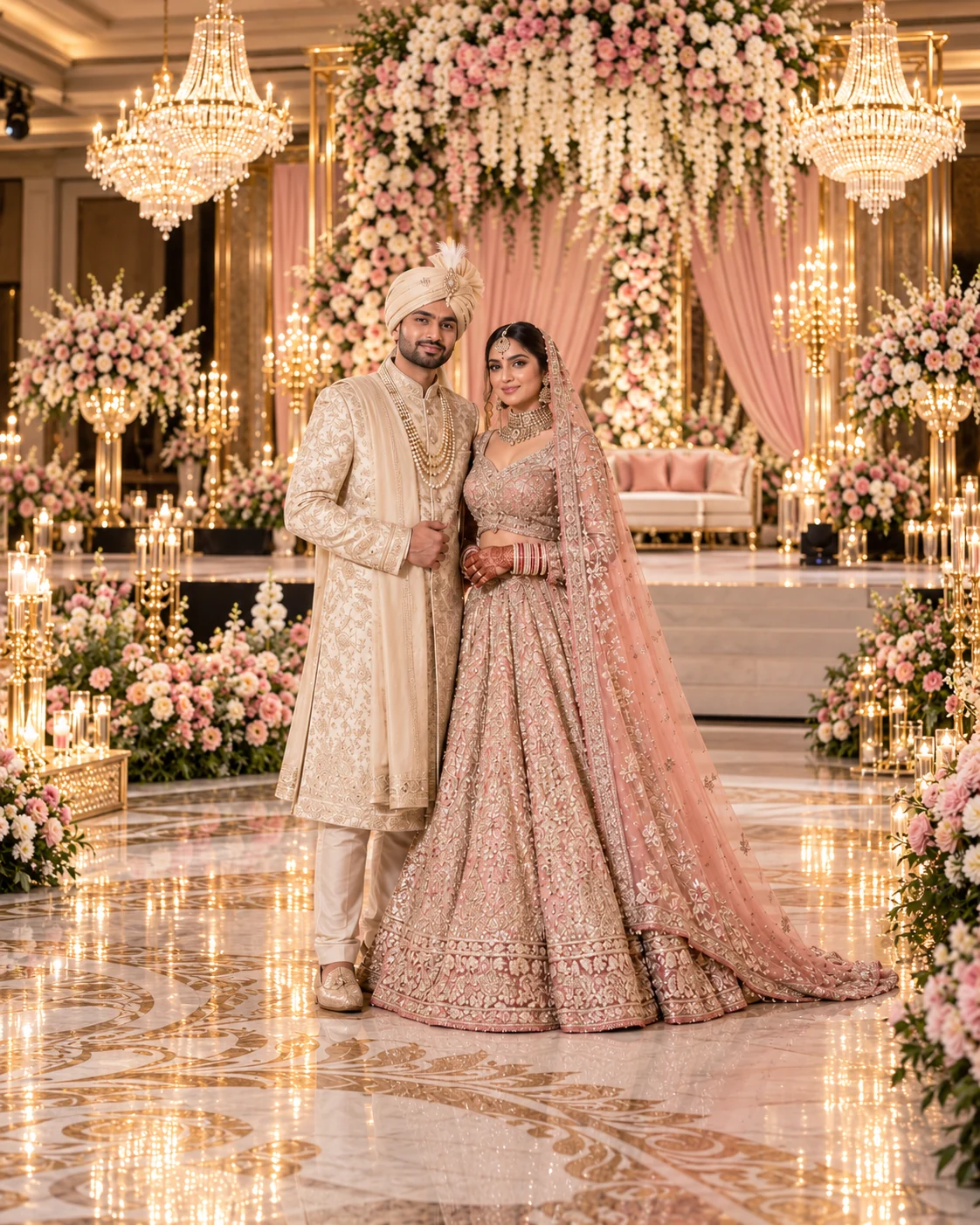
Typography, colour, image choice and wording work together. A beautiful announcement starts with one clear direction.
Share the mood you want people to feel, along with the names, dates and photographs you have approved. A quieter design may give the portrait more space; a more celebratory direction can bring the words and colour forward.
We agree the channels and exported formats in the brief. This keeps the composition intentional instead of forcing the same artwork into every shape.
Read names, dates and wording together. A final review brings the story and visual information into the same approval.
Decide which version is public and which details belong only with family or invited guests.
Agree the final files and timing. Your announcement can sit alongside an editorial feature or a wider media brief.
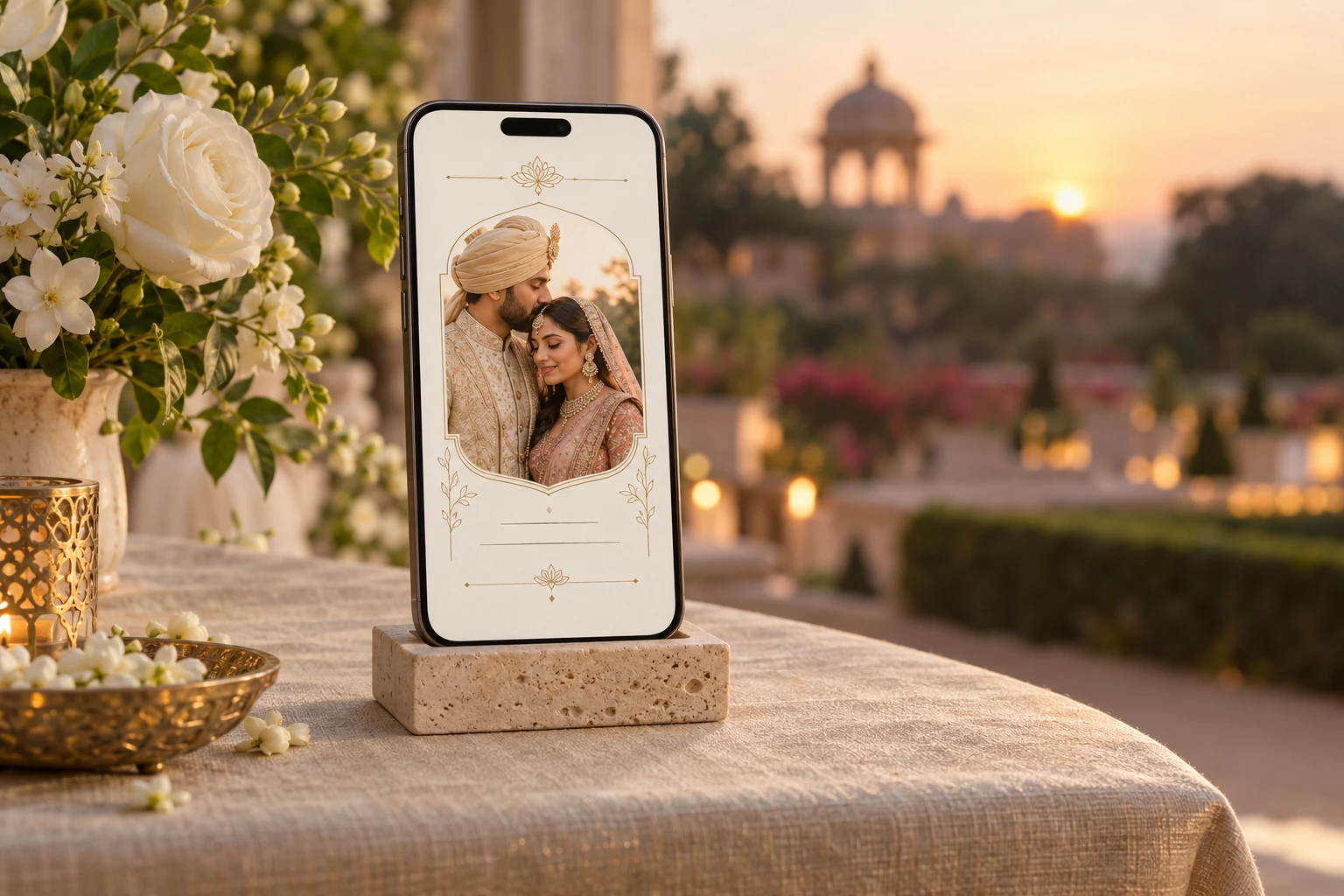
Considered words, approved photographs and formats shaped for your chosen audience.
Explore the announcement sample →A personal announcement shaped around your approved story.
TheMediaEvent develops announcement concepts and digital sharing assets around the approved wedding story. The design direction can echo the mood of your celebration while keeping names and key details readable.
An announcement is not automatically a complete invitation system, guest-management tool or RSVP service. Your proposal should state exactly which pieces are included, the intended use and the formats you will receive.
Formats planned for the places and people you choose.
A piece intended for a phone screen has different requirements from an editorial feature or an archive page. Agree the channels, image proportions and exported formats before production. The illustrative phone preview on this website shows one possible presentation, not a mandatory template.
Names, dates, wording and images should be checked together. The included revisions and approval sequence are defined in the proposal so that your family and creative team know which version is final.
Decide what is public, what is shared selectively, and what stays with you.
You can choose a public story, selective sharing or a private-first brief. Be explicit about whether venue details, full names, family information or identifiable guests should appear. Permission to use a photographer’s work and permission to publish personal information are separate considerations.
Sending an image through a messaging or social app may allow further sharing by recipients. A carefully limited announcement can avoid including details you would not want circulated more widely.
Use the preview studio to explore the illustrative announcement and its colours. Entering sample names is a local browser interaction; it does not order a design, save a client profile or send those names to the studio.
For an actual project, agree the final assets, file delivery, revisions and release timing in writing. Publicity, editorial features and archive hosting are not implied by the announcement alone.
Tell us your wedding city or destination, the date when known and whether the announcement is for a public audience or a smaller circle. Add a note about your preferred visual mood and any creative-team introduction.
“Continue on WhatsApp” opens a prepared message with your completed form included. “Use email instead” opens an email draft. Review the message and press Send in your chosen app; nothing is sent automatically by the website.
A vertical announcement for a phone story or direct message. The names and essential words remain easy to read.
A compact composition for a feed or shared card. Its image and wording are arranged for that shape.
A wider composition for email or a digital display. Agree the destination and export dimensions before design.
The brief confirms the number of designs, exported sizes, captions and review rounds. A format preview demonstrates the approach; it is not a promise that every format is included.
Share your plans. We’ll discuss a proposed scope, availability and quotation.